
Industry: Government and Public Sector (pension administration)
Users/Teams: Records, HR and Finance staff
Overview
A government pension agency that manages employee pensions and salaries had its pension and benefit data spread across more than 400 Excel spreadsheets. ESW built a Microsoft Access database with automated Excel imports that brings all of that history into one place and keeps reporting accurate for compliance and audits.
Challenge
For years the agency kept pension, salary and tenure records in Excel. By the time it called ESW there were more than 400 workbooks, many with several sheets and no two laid out quite the same way.
Any report that needed data from more than one file meant staff had to find the right workbooks, read through them and piece the numbers together by hand. Producing standard reports for audits and compliance took a long time and left room for mistakes. With data that had never been checked against a single standard, the agency also faced a real risk of omissions or failed reconciliations during internal and external audits.
Solution
ESW consolidated the spreadsheets into one Microsoft Access database and automated the work around it, so staff can keep the data current on their own.
Key components of the solution included
- Automated data import: a custom import module, written in VBA for Access, reads hundreds of historical Excel files, including multi sheet workbooks, and maps the pension and salary data into the database. Microsoft explains the basics of importing Excel data into Access.
- Standardized data model: a flexible relational design captures every field needed for salary, tenure and pension calculations, which removes the inconsistencies between files.
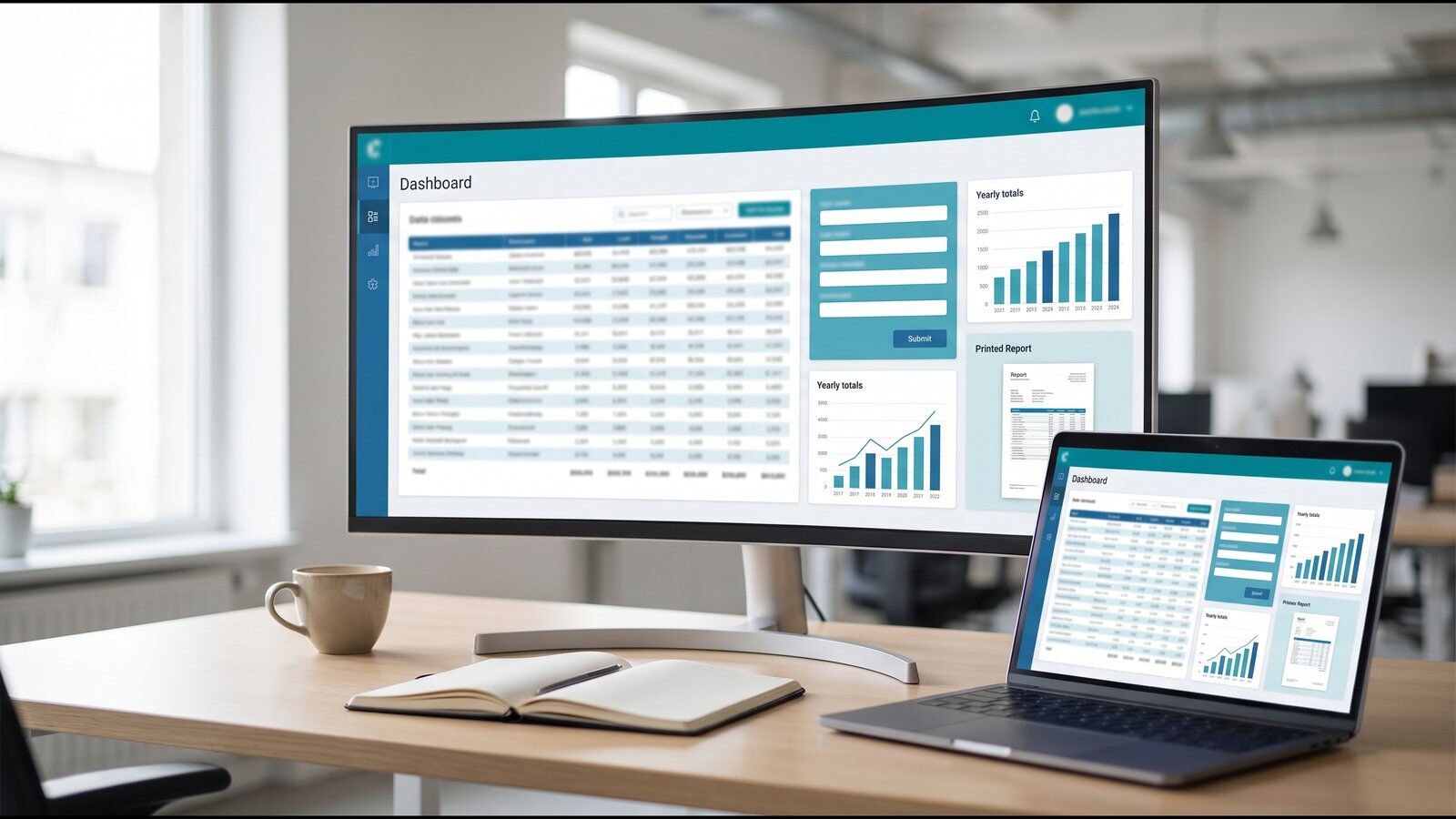
- Self service interface: a clean, easy interface lets staff securely manage and import new data without IT support.
- Reporting engine: SQL based queries and Access reports produce employee level pension summaries and aggregated year end compliance reports, ready for internal records or outside review.
Impact
The agency now works from one trusted source instead of hundreds of separate files:
- One source of truth: all of the scattered data is consolidated and searchable, with a full history for every employee.
- More than 80% less manual work: data entry and reconciliation time dropped sharply, freeing HR and finance staff for more valuable work.
- Faster, more accurate reporting: standard templates mean employee statements, audit files and compliance submissions are consistent and available within minutes.
- Audit readiness: a structured data model with historical traceability gives the agency more confidence in its data and supports smoother audits.
Technology Stack
- Microsoft Access: the central database that holds all pension, salary and tenure history.
- VBA: automation that imports and validates data from the Excel workbooks.
- SQL based reporting: custom views and outputs for employee statements and compliance reports.
Frequently Asked Questions
What did the Microsoft Access database replace?
It replaced more than 400 Excel spreadsheets in varying formats that held the agency's pension, salary and benefit history. All of that data now lives in one Access database.
Can staff add new pension data without IT?
Yes. A simple interface lets records, HR and finance staff securely import and manage new data on their own, without waiting on IT support.
How much manual work did the agency save?
Manual data entry and reconciliation dropped by more than 80%, which frees HR and finance staff for higher value work. Standard reports are now available within minutes.
Buried in spreadsheets and manual pension reporting? Contact ESW or book a call with our Microsoft Access team.