
Industry: Local Government / Municipal IT
Users/Teams: IT, PMO, Steering Committee, Department Requesters
Technology Stack:
- Microsoft Power Apps: A canvas app where staff complete risk assessments, score projects and view ranked requests and dashboards.
- Microsoft Power Automate: Flows that sync requests with the ticketing system, roll up scores and send notifications, with retry logic, error handling and logging.
- Microsoft SharePoint Online: Lists that hold every request, score, risk entry and policy, secured with role based permissions.
- The town’s IT ticketing system: Integrated through the TeamDynamix API and a production webhook, so the ticket stays the record of each request.
- Microsoft 365: Existing licenses, with DEV, TEST and PROD environments and Managed Solutions for controlled releases.
Challenge:
A growing local government was handling hundreds of IT requests with spreadsheets and email. Software and project requests were logged in the ticketing system, but risk reviews, PMO scoring and steering committee decisions happened outside it. There was no shared place to see where a request stood or why one project ranked above another. The town also runs Google Workspace for email, so any notification design had to work with Gmail, not just Outlook.
Solution:
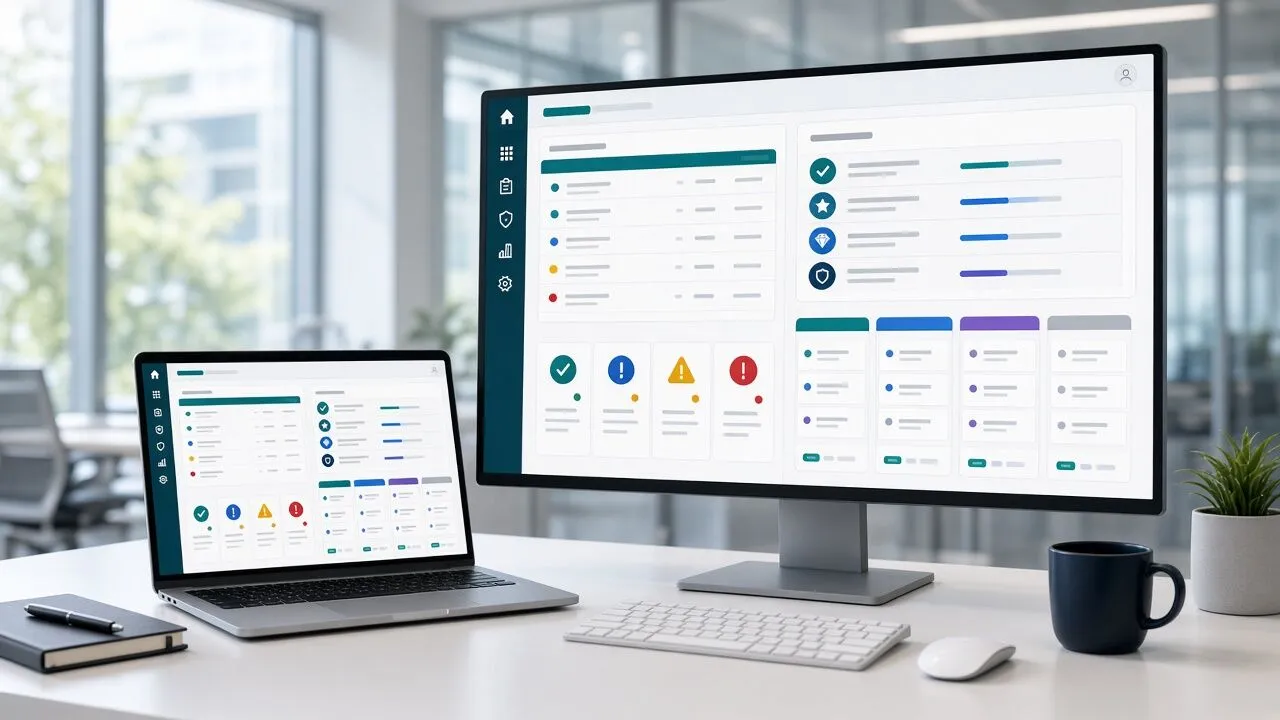
eSoftware Associates built an IT governance hub inside the town’s existing Microsoft 365 tenant using Power Apps, Power Automate and SharePoint Online. The work started with a fixed scope Roadmap phase: stakeholder sessions, a current state review, integration analysis, workflow definitions and UI mockups. That gave the town a clear blueprint and a fixed build price before development began. The build then ran in sprints through user acceptance testing and production deployment, and the town owns everything delivered.
Key components of the solution included:
- Automatic intake that moves software and project requests from the ticketing system into SharePoint lists, with updates, comments and attachments written back to the ticket.
- A risk assessment screen with scoring logic and a risk register.
- PMO scoring where several scorers rate each project, and a ranking flow that rolls the scores into a PMO dashboard with a capacity view.
- A steering committee view and prioritization engine, so the committee decides from one ranked list, with a feedback loop to requesters.
- A policy register with drafting, review and approval stages and scheduled notifications.
- Gmail notifications through the Google Workspace connector, flows running under a service account, plus architecture documentation, a runbook, UAT scripts and end user training.
Impact:
The hub has been live since September 2026, and IT and PMO staff use it to score projects and track ticket status.
- One intake point for every IT software and project request, replacing spreadsheets and email.
- Risk and PMO scoring in the same place as the request, so each decision has a visible score behind it.
- Multi scorer PMO ranking, with several staff scoring the same project and the results combined into one priority.
- A single leadership view of every request and project for the steering committee.
- IT policies drafted, reviewed and approved in one register, with notifications sent automatically.
Frequently Asked Questions:
Can Power Apps connect to TeamDynamix?
Yes. We used the TeamDynamix API to create and update tickets, add comments and handle attachments, plus a production webhook so new requests reach the hub automatically. Power Automate handles the sync with retry logic and logging, and the ticket stays the system of record.
Does this work if the organization uses Gmail instead of Outlook?
Yes. Power Automate includes a Google Workspace connector, so approvals, scoring reminders and policy notifications go out through Gmail. We checked the connector against data loss prevention policies early, before development started.
Do we need extra licenses?
In this project the municipality used its existing Microsoft 365 licenses for SharePoint and Power Automate, with a licensed service account running the flows. Needs vary if you require premium connectors or Dataverse, and we confirm that during the Roadmap phase.
Need one place to manage IT requests and project priorities? Book a call with our Power Apps team.